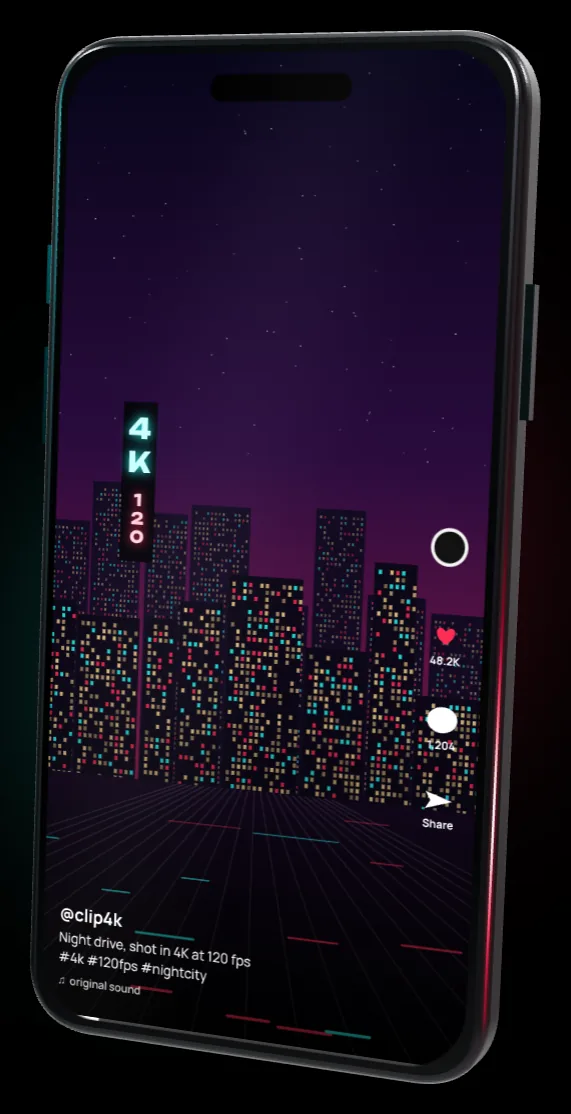
- Video
- Prepare
- Download
120 fps from a 30 or 60 fps clip repeats frames. The file is marked 120 fps, but motion does not get smoother.
Experimental workaround for TikTok recompression. It changes how the MP4 file is structured. There is no guarantee that TikTok keeps the quality, and TikTok can change this at any time.
Publish to TikTokConnected
Optional. Connect your own Zernio account and publish the prepared video straight to TikTok. Your Zernio key stays in this browser and is sent only to zernio.com. Clip4K has no server and cannot see it.
Questions
Why does TikTok make my video blurry?
TikTok recompresses every upload and usually keeps a lower quality than the file you sent. A high-bitrate H.264 file survives that step with fewer artifacts.
What does Clip4K do to my file?
It re-encodes the clip in your browser (H.264, high bitrate) and appends a short run of tiny empty samples to the end of the video track. Picture and sound are not touched by that step. In our tests TikTok then kept a higher quality and bitrate than for a plain upload. TikTok does not document why, so treat it as a workaround.
Is the quality guaranteed?
No. It depends on TikTok, on how you publish and on your device. The extra data can make some players or editors open the file badly. If that happens, use a normal export.
Does 120 fps make the video smoother?
Only if your source is 120 fps. For 30 or 60 fps clips the frames are repeated, so the file is marked 120 fps but motion does not get smoother.
What is the Zernio key and is it safe to paste here?
Zernio is a separate service that posts to TikTok for you. You create the key in your own Zernio account and paste it here. It is used in this browser to call zernio.com and Clip4K has no server to send it to. Without "Remember" it is forgotten when you close the tab. You can delete the key in Zernio at any time. Use a computer or phone you trust.
Is my video uploaded anywhere?
No. Processing happens inside your browser. The video leaves your device only if you choose to publish it to TikTok through your own Zernio account.
Why can 4K be slow on my phone?
The video is processed by your own device. For long 4K clips use a computer, or pick 1080p.
Support the author
The tool is free. If it helped your videos, you can support the author with any amount via MBank, O!Bank or PayPal.
 MBank
MBank O!Bank
 PayPal